Appearance
Notifications
Notifications help you react fast to activity that matters.
Push notifications require the Hype app to be installed first. If you have not installed it yet, follow Install Hype App.
What you can do
- Get notified when your content is collected
- Track follows, replies, and engagement
- Stay updated on listing and bid activity
When you get notified
You get notifications when people follow you, interact with your posts, collect your content, or place listing and bid activity that needs your attention.
How to set it up
- Install Hype using Install Hype App.
- Open the installed app.
- Scroll the feed until you see Enable notification.
- Tap the Enable notification card.
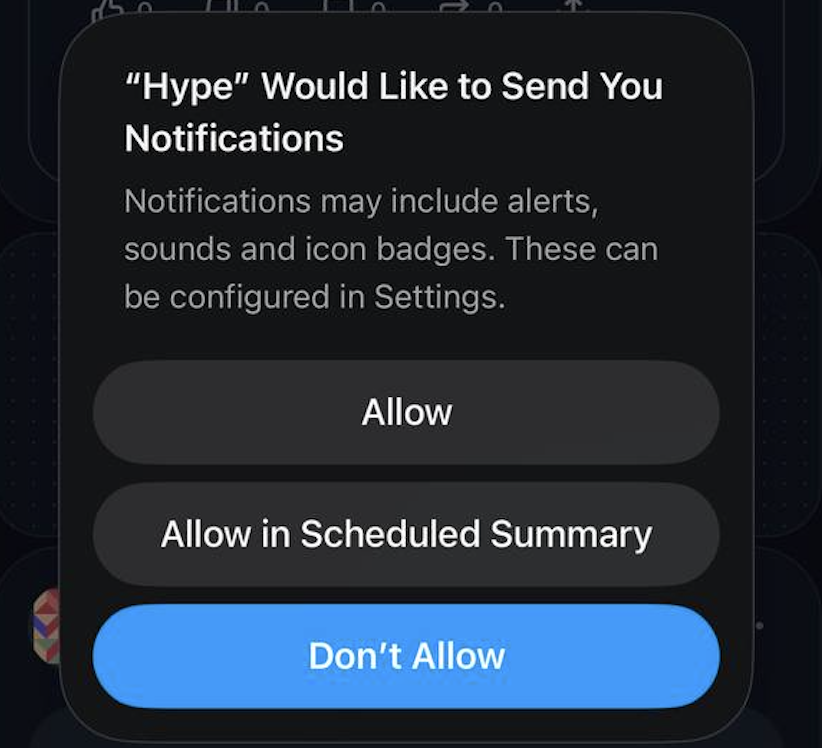
- In the device prompt, tap Allow.
- (Optional) Connect Telegram alerts.
Example