
Appearance
Install Hype App
If you want push notifications, install the Hype app first.
Push notifications are only available for users who have the app installed.
Why this matters
Without the installed app, you can still use Hype, but you will not receive push alerts for follows, collects, replies, or listing activity.
How to install
iPhone (Safari)
- Open
https://hypeit.appin Safari.
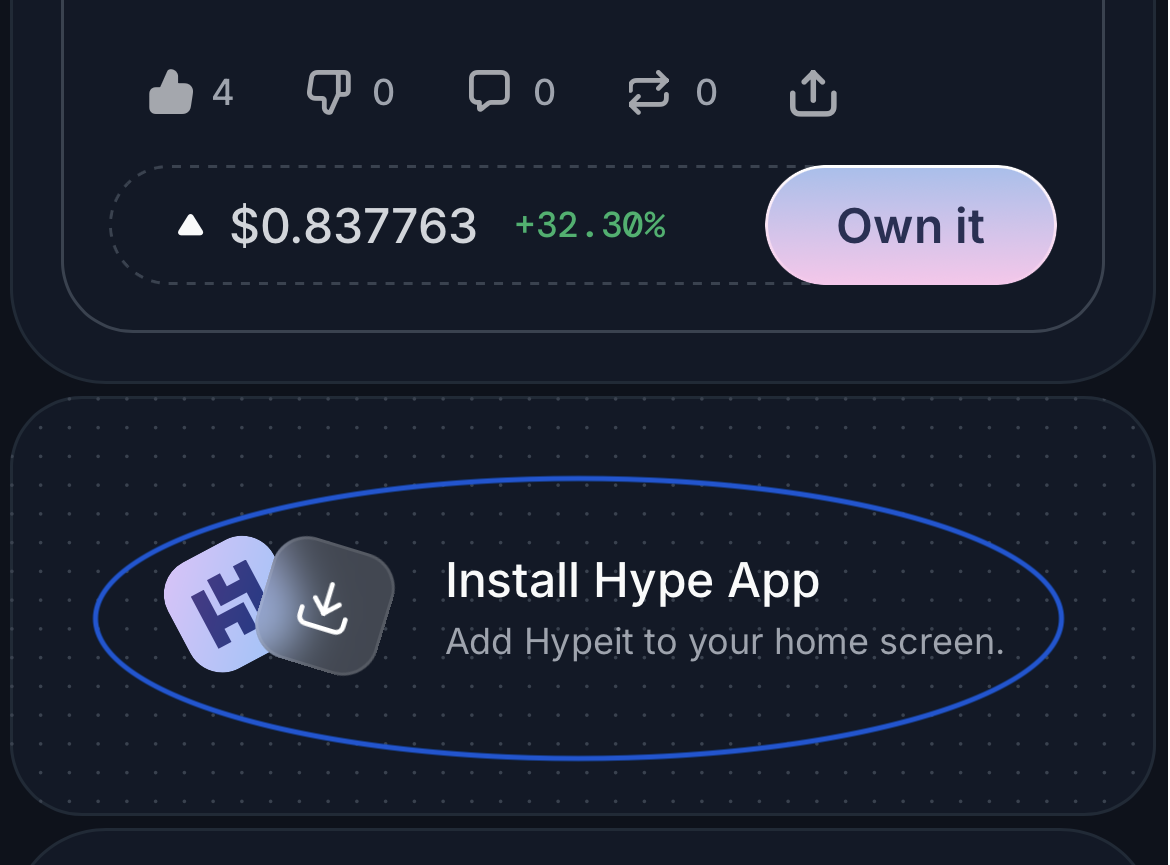
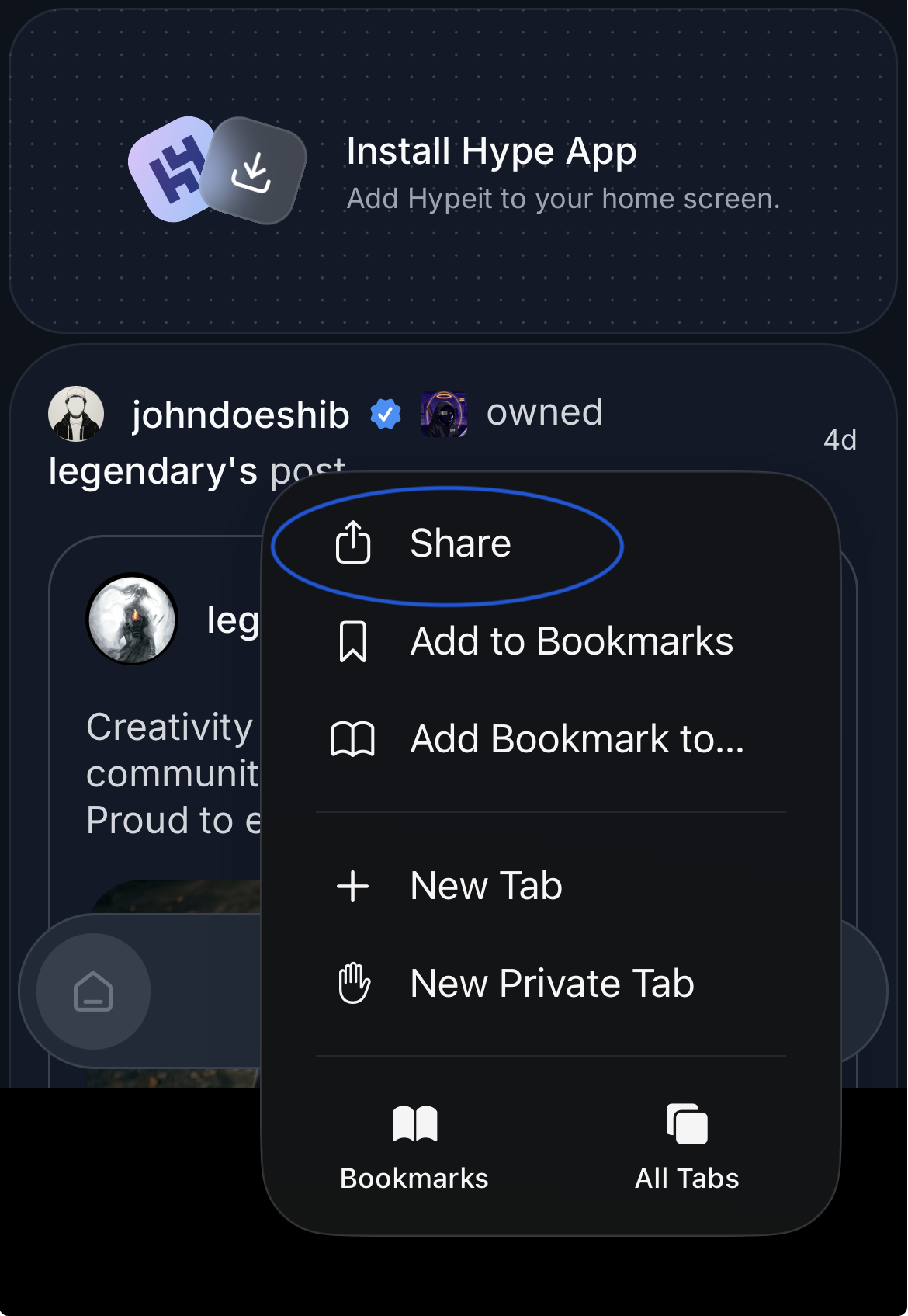
- Tap Share.
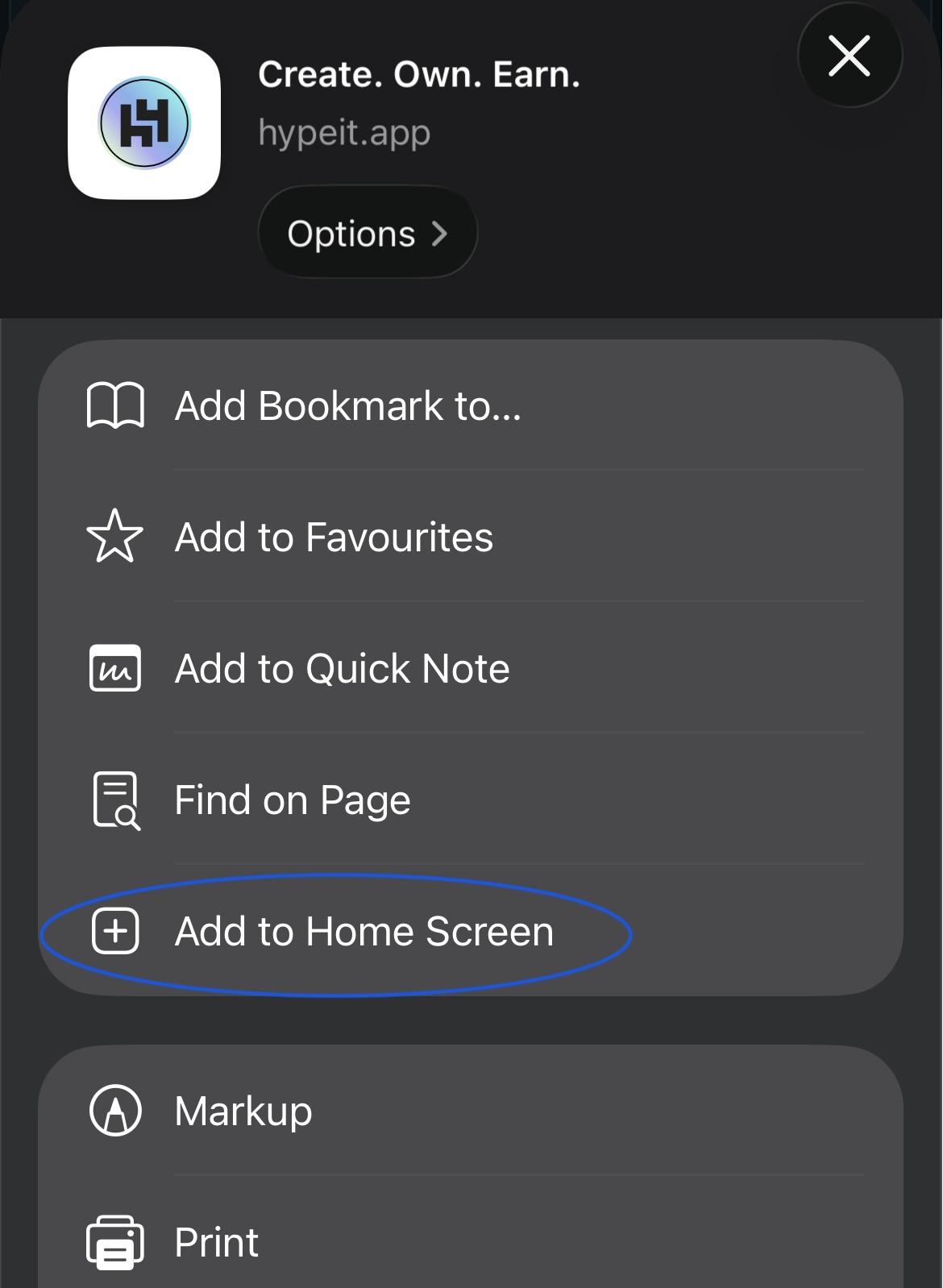
- Tap Add to Home Screen.
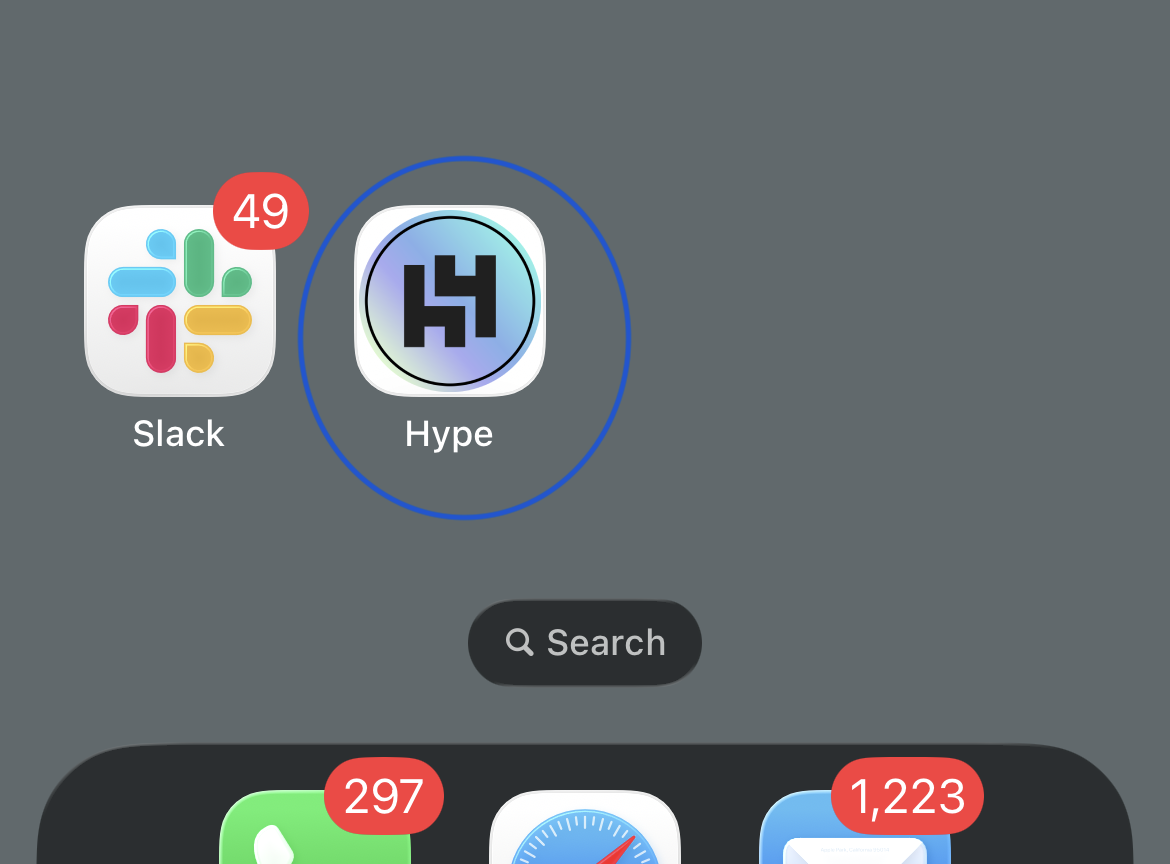
- Open Hype from your home screen icon.
Android (Chrome)
- Open
https://hypeit.appin Chrome. - Tap the browser menu.
- Tap Install app or Add to Home screen.
- Open Hype from your app icon.
Turn on push notifications
- Open the installed Hype app.
- Scroll the feed until you see the Enable notification card.
- Tap the card.
- When permission popup appears, tap Allow.
Troubleshooting
- If you do not see the install option, update your browser and try again.
- If push is still off, check device notification permissions for Hype.
- If alerts are delayed, open the app once to refresh your session.